

Tour › Showing the work
Showing the work
The same analysis with every explanation opened, so no number on the screen is one you have to take on trust.
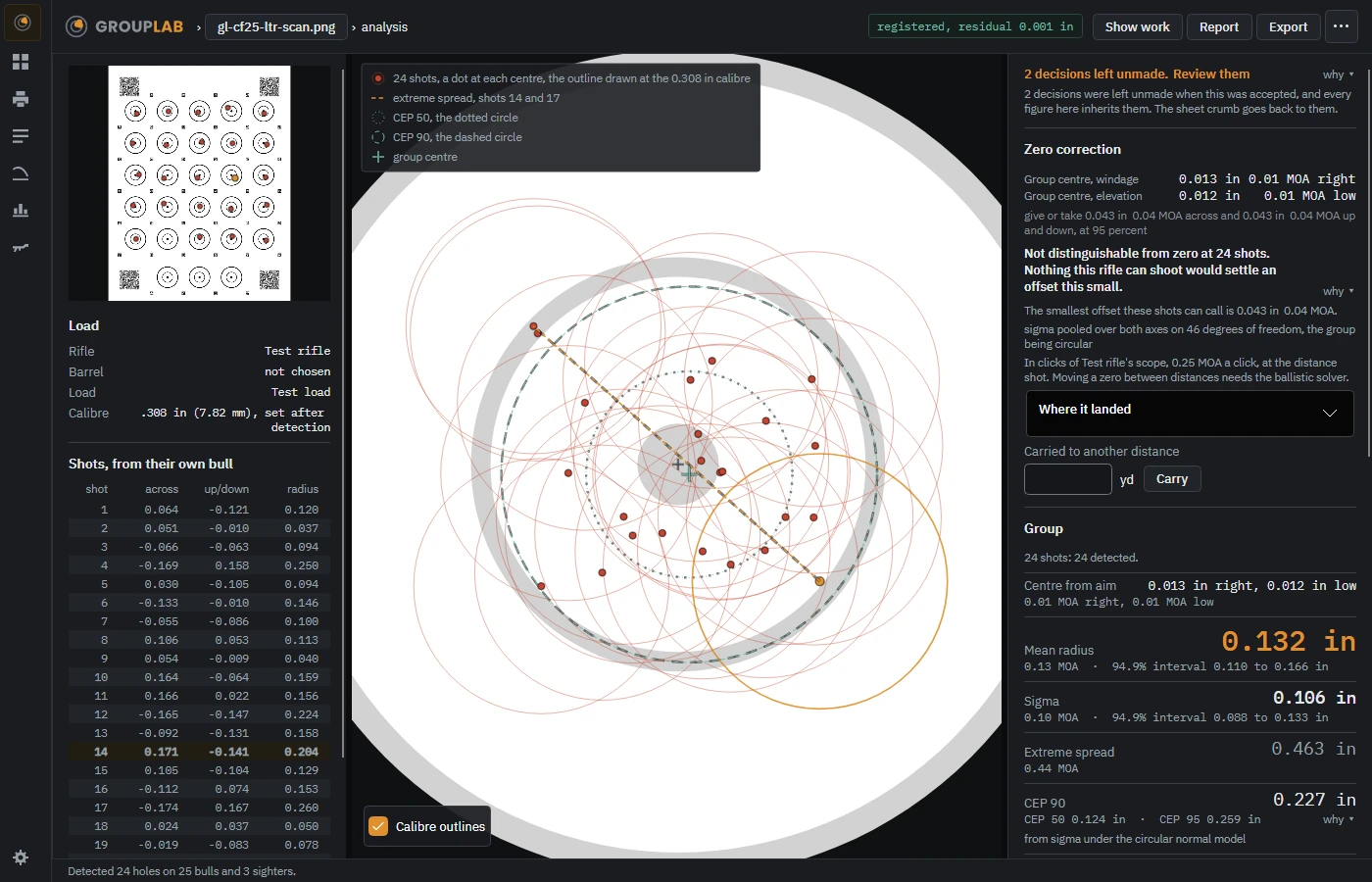
From the newest build of GroupLab, regenerated every week. Tap the picture for it full size.
What this screen is for
Every figure GroupLab shows has a why beside it. This is the analysis with all of them open at once. It exists because a measurement you cannot check is a measurement you cannot argue with, and the whole point of measuring a group is to settle an argument about a load.
What you are looking at
- The why links. Beside every figure on the analysis. Each opens the reasoning for that one number: what was measured, over how many shots, and what the interval means.
- Show work, at the top. Opens all of them together, which is this view.
- The review notice. Where decisions were left unmade in marking, it says how many and offers to take you back to them, because an analysis over unsettled marks is worth less than one over settled ones.
What you would do here
- Press Show work on the analysis.
- Read the reasoning beside any number you are about to act on.
- Press it again to fold them away.
Where it fits
The same screen as the analysis, with everything opened.