Tour
A tour of GroupLab
Behind the curtain: how GroupLab works →
Every screen, what it is for, and what you would do on it. Thirteen pages, one per screen, so you can see what using GroupLab is like before you download it.
GroupLab works on any target you already shoot: photograph or scan it, set the scale once, and mark the holes by hand on the computer's marking screen, as in this sample, or on the phone under a crosshair. A GroupLab sheet is the fast lane, where the scale and every hole are found by themselves; it is not a requirement.
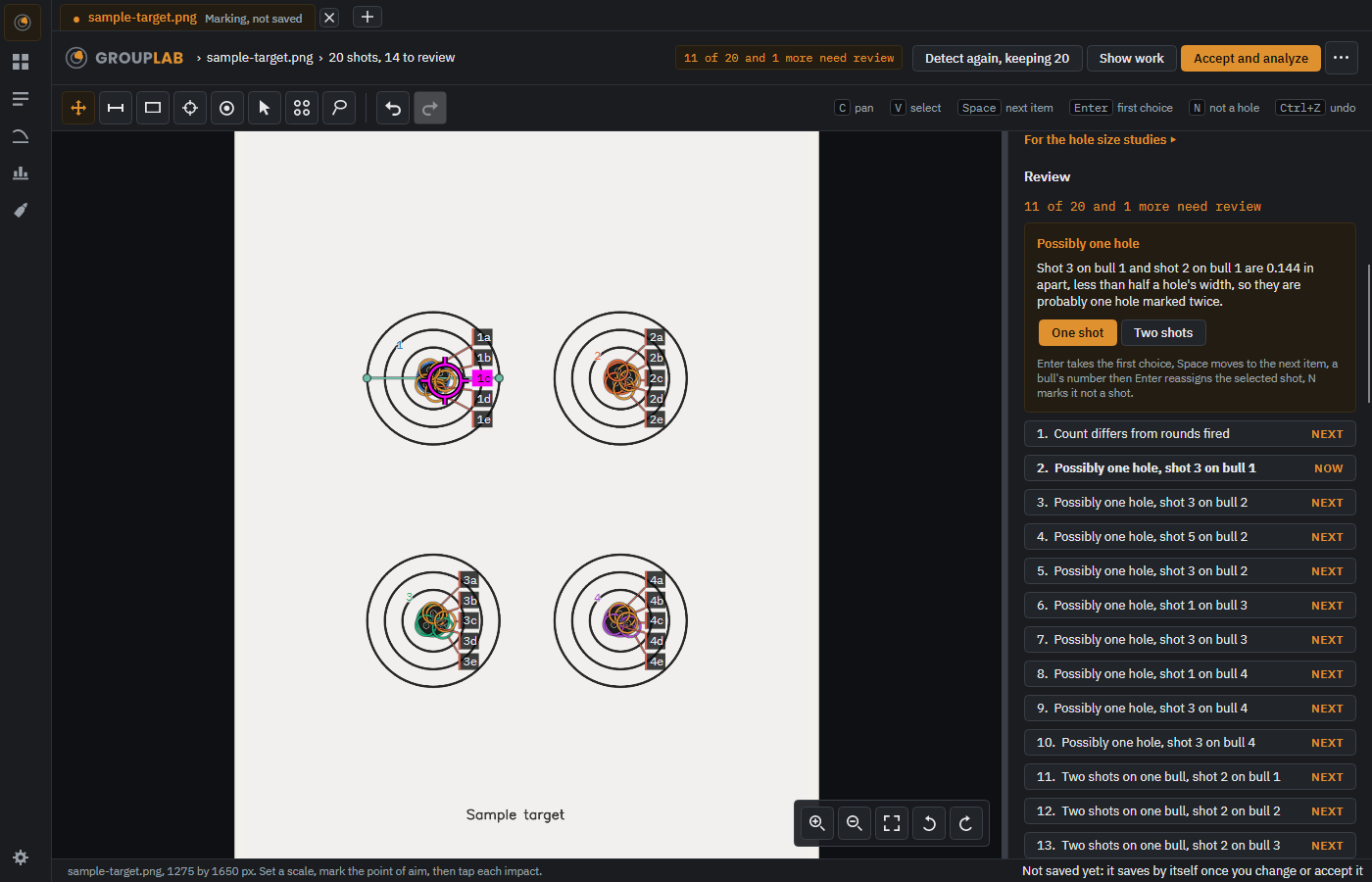
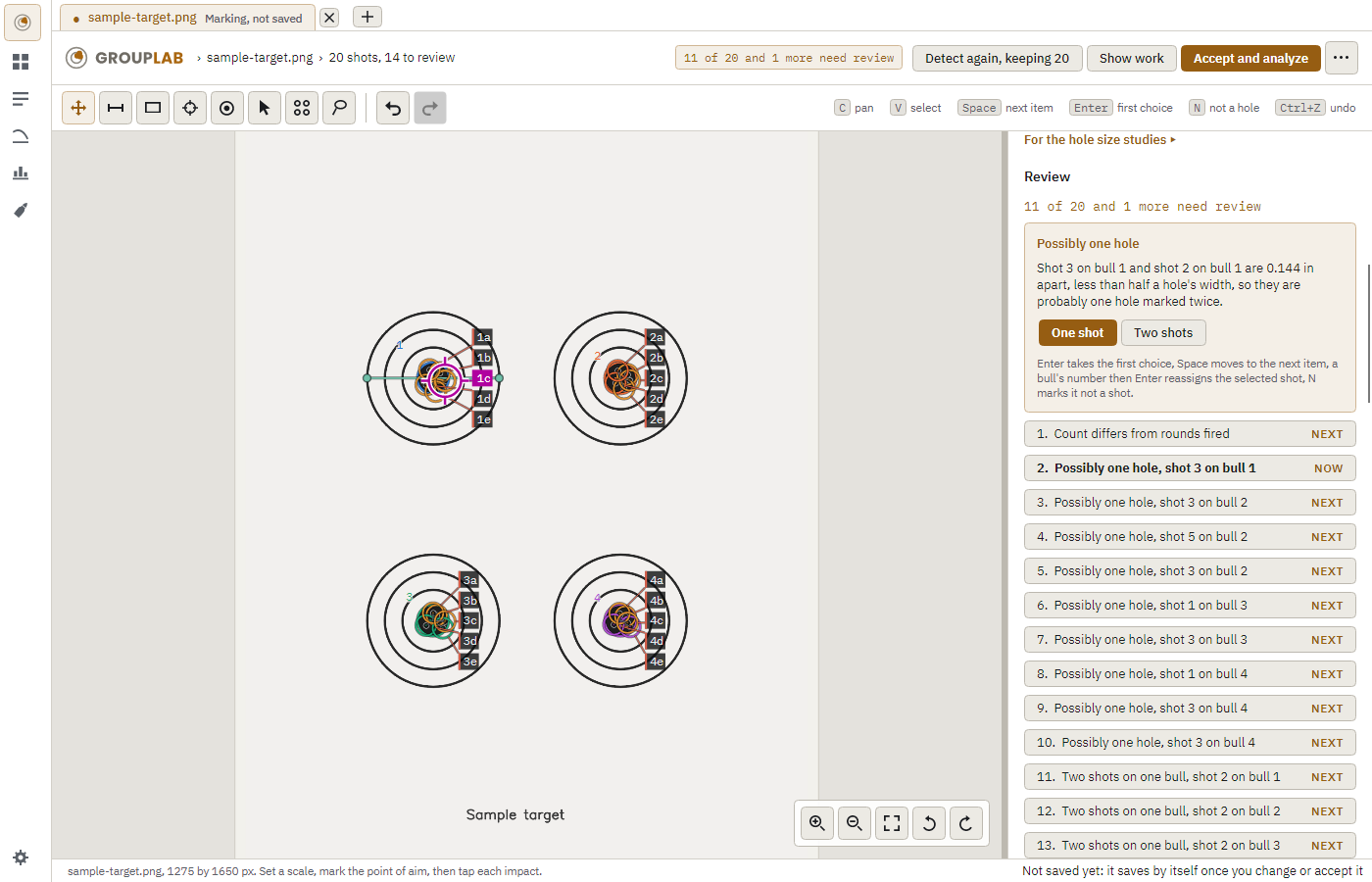
The pictures are regenerated every week from the newest build, so what you see here is the version you would install. Every sheet and every result in them is generated: no real target and nobody's photographs.
The pictures are taken on the Android emulator, sized as a Galaxy Z Fold 7 and a Galaxy Tab S8 Ultra, after each nightly (these are from nightly 228); the result in them is Alan's own 600 dpi scan of a 25 shot group, published with his consent.
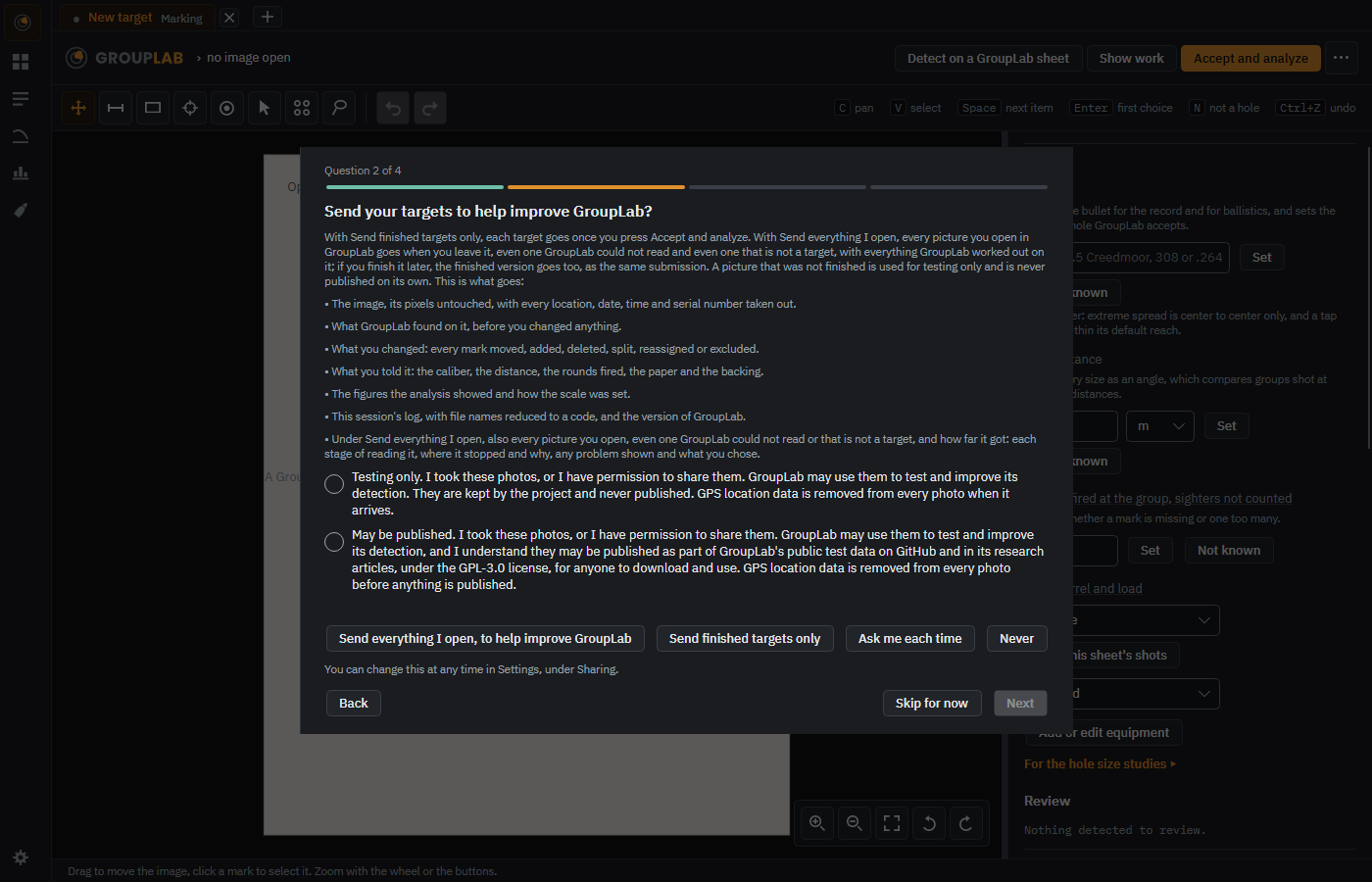
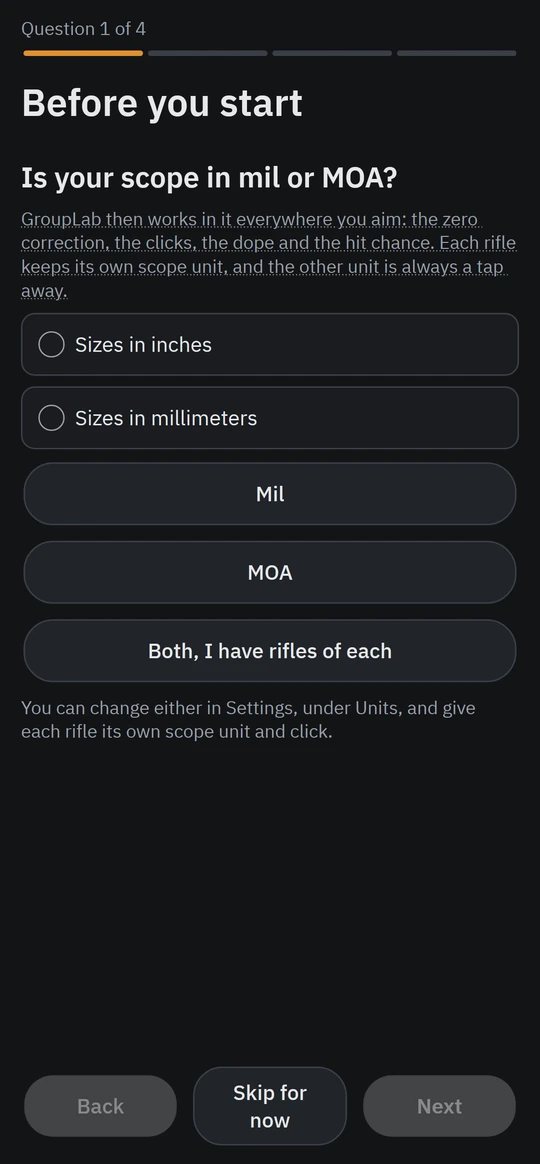
The first run
The first time GroupLab opens it asks, one question at a time, whether your scope is in mil or MOA, then three more: whether to send your targets, whether to send error reports, and whether to take part in the hardware survey.
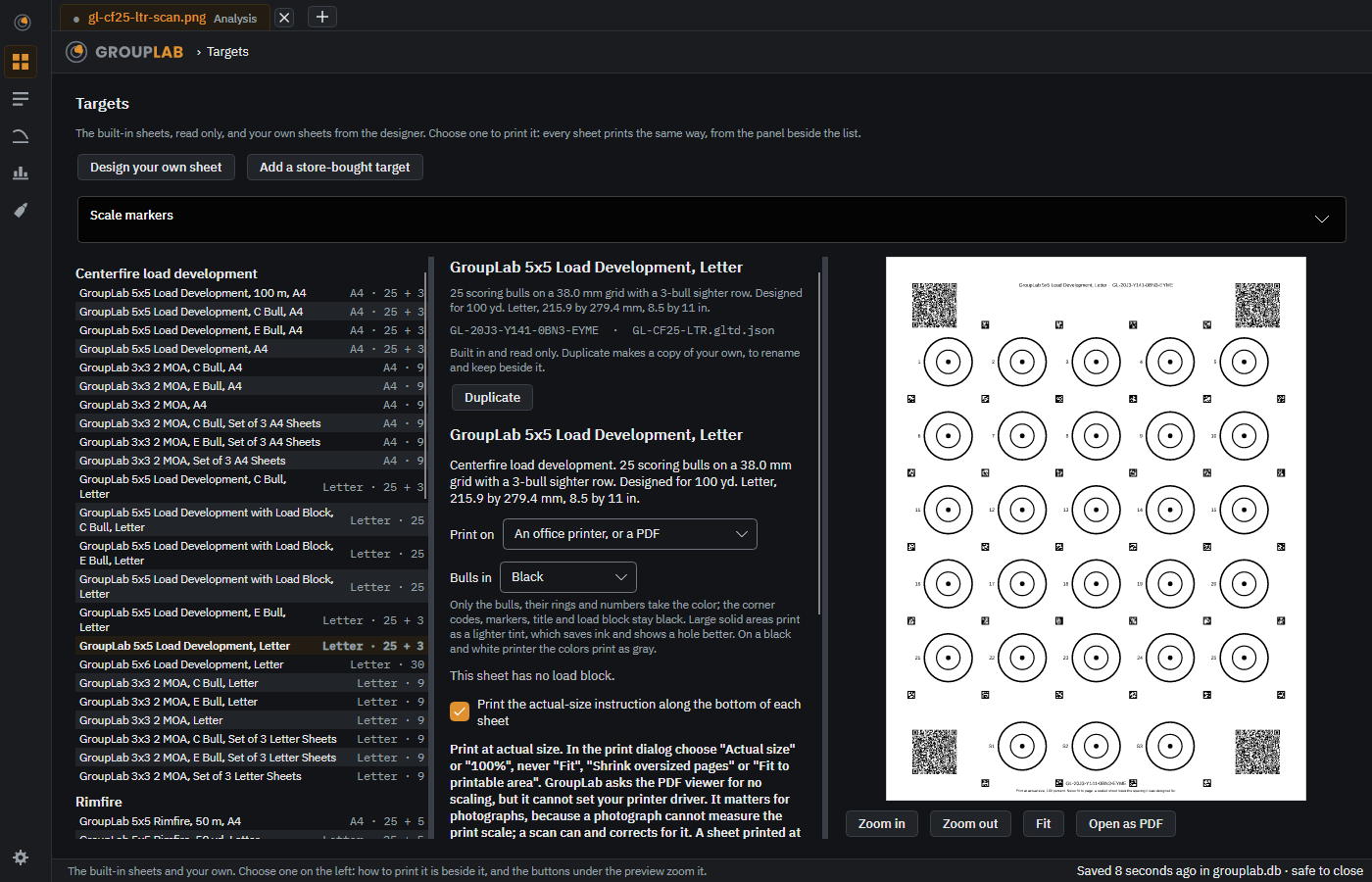
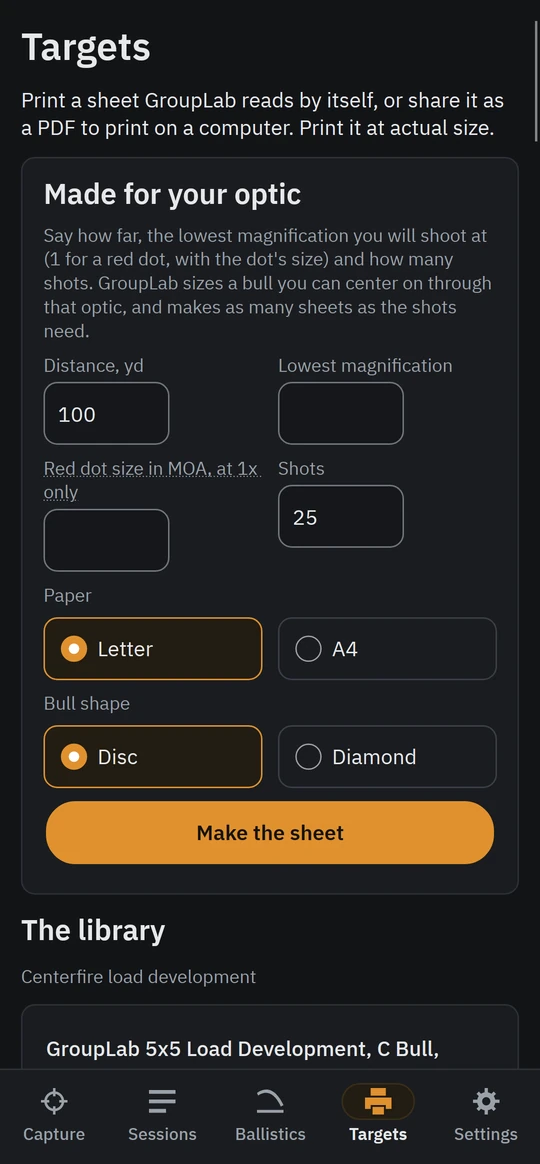
Targets
The forty-seven sheets GroupLab comes with and any you design, grouped by what they are for, and everything it takes to print the one you choose, on one screen.
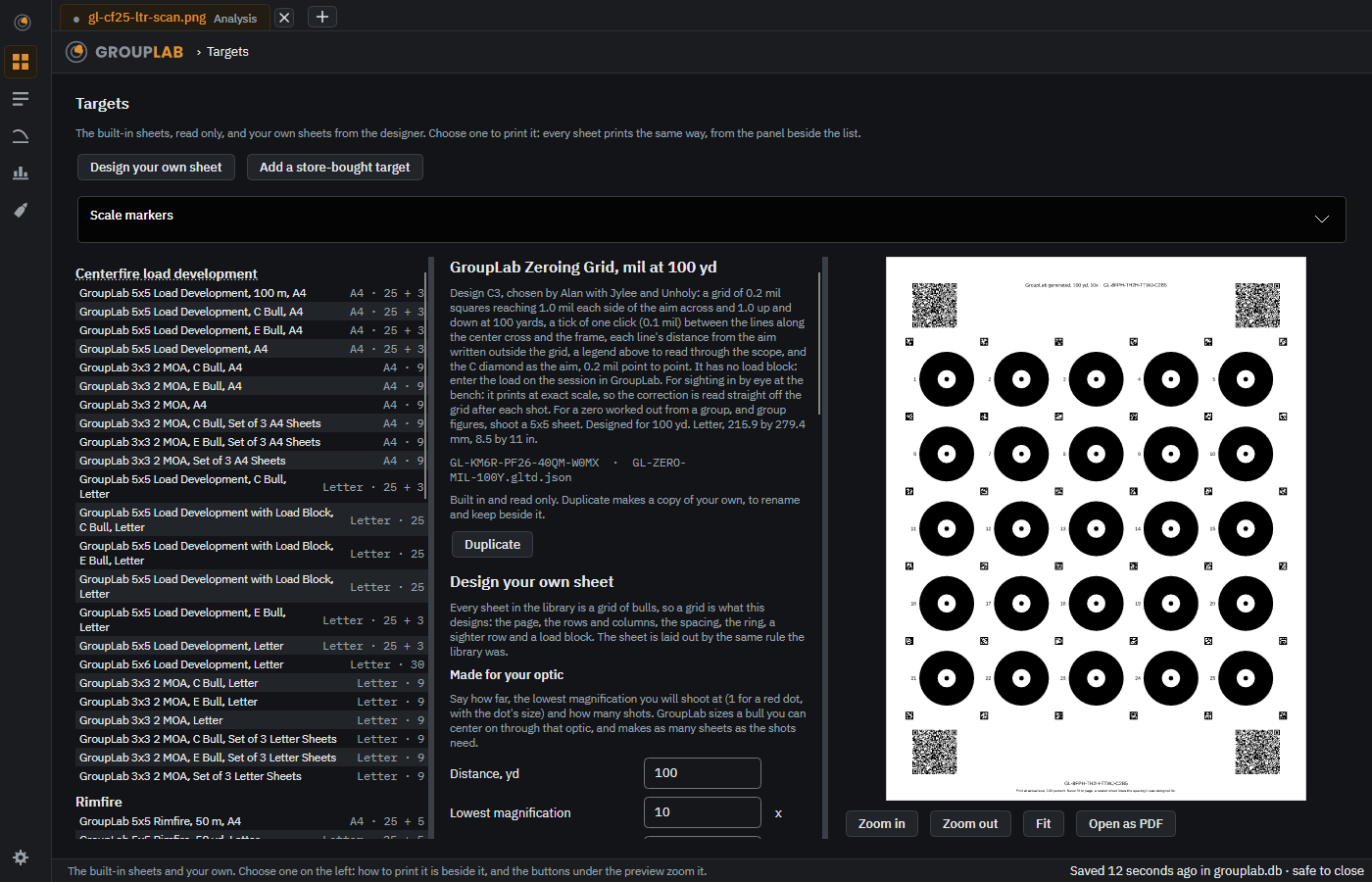
Made for your optic
Say how far, the lowest magnification you shoot at, or a red dot's size, and how many shots, and GroupLab draws a sheet whose bulls you can center on through that optic.
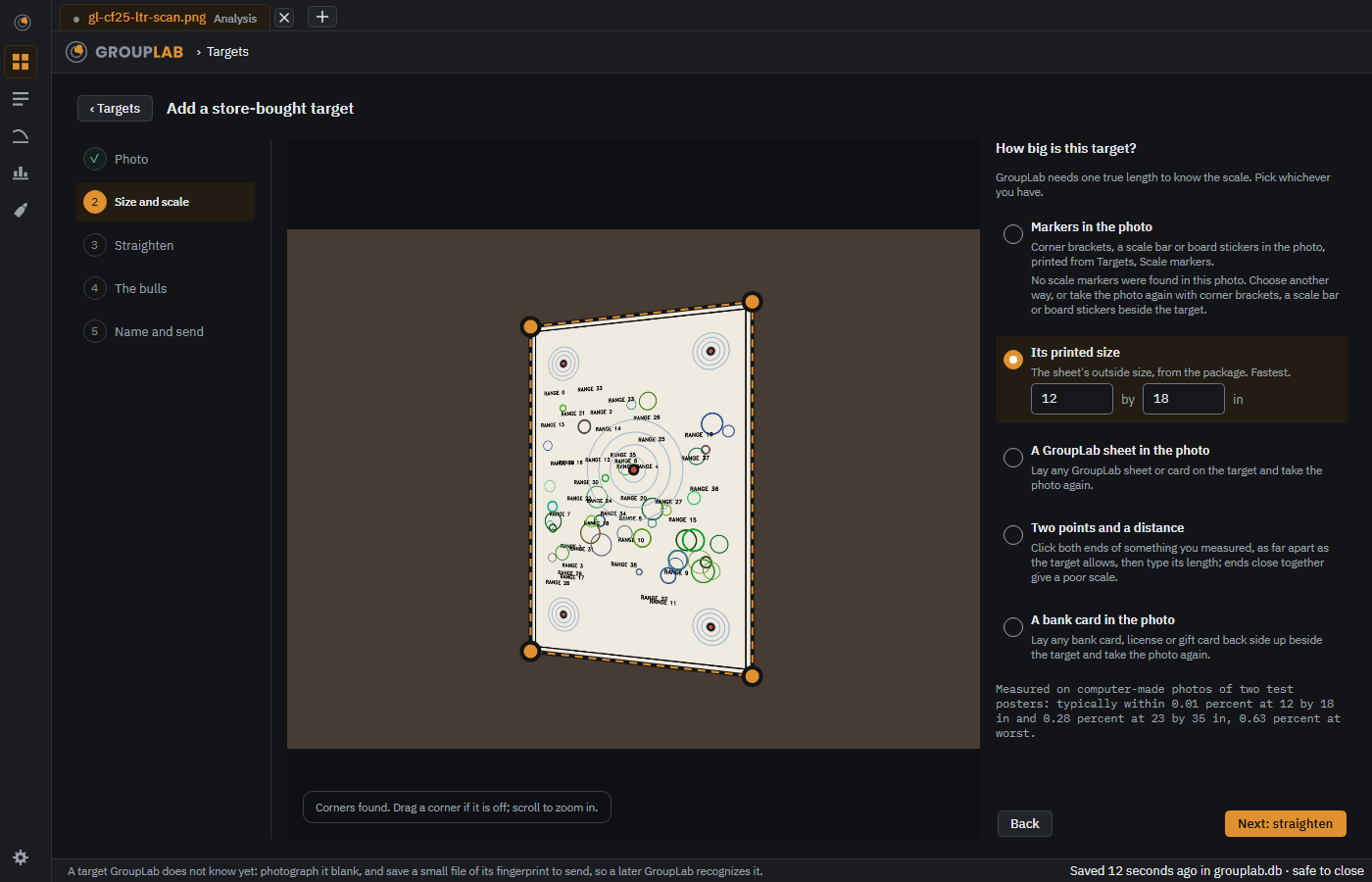
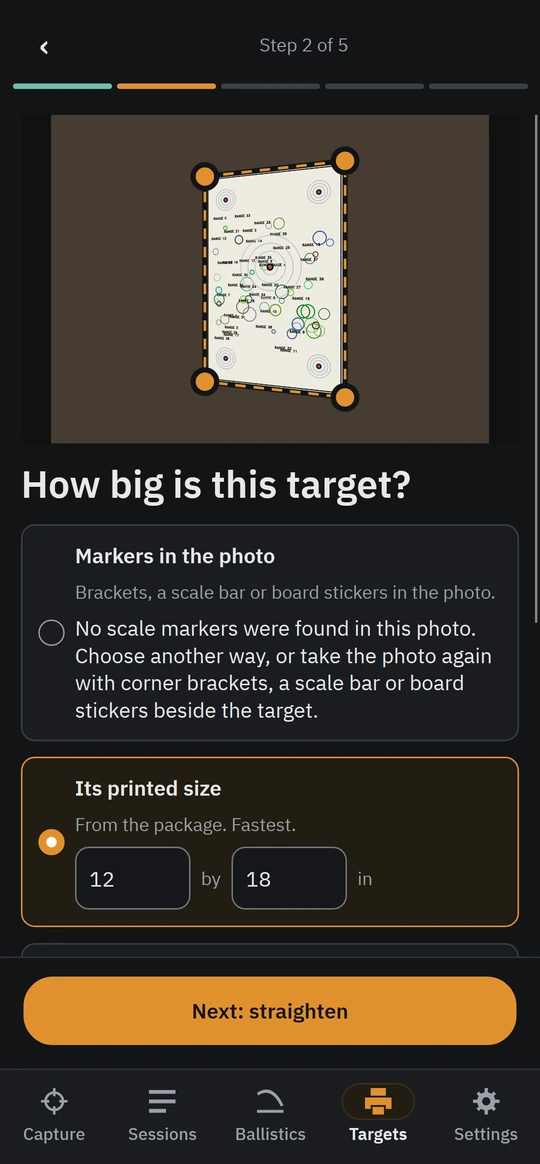
Add a store-bought target
A target GroupLab does not know yet, photographed blank and turned into a small fingerprint file in five steps, one question at a time, to send so a later GroupLab recognizes it.
On the phone only
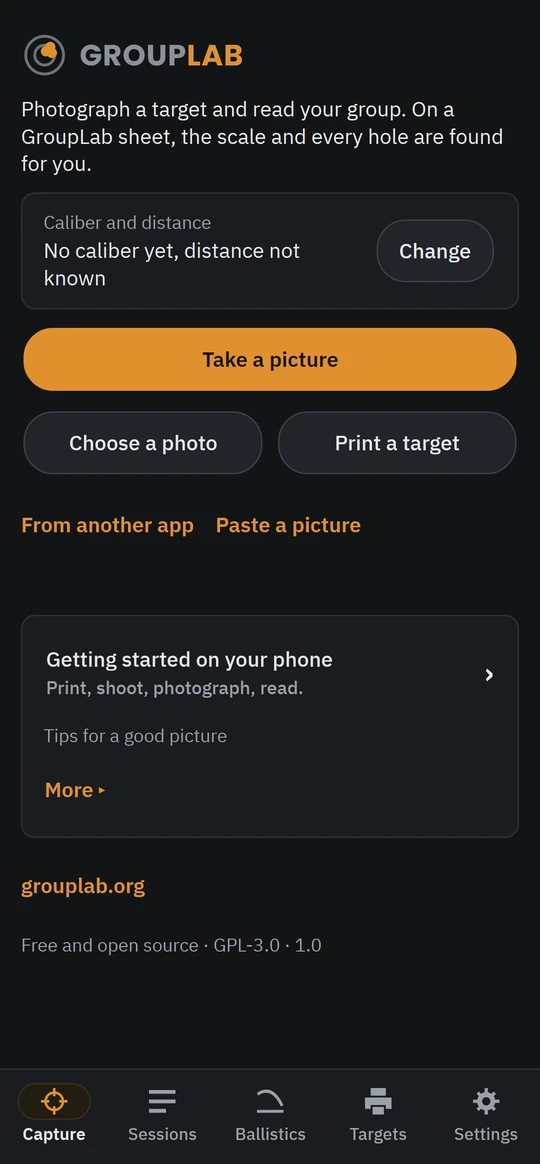
Capture
Photograph a GroupLab target with the phone, or choose a photograph, and GroupLab finds the holes and measures the group.
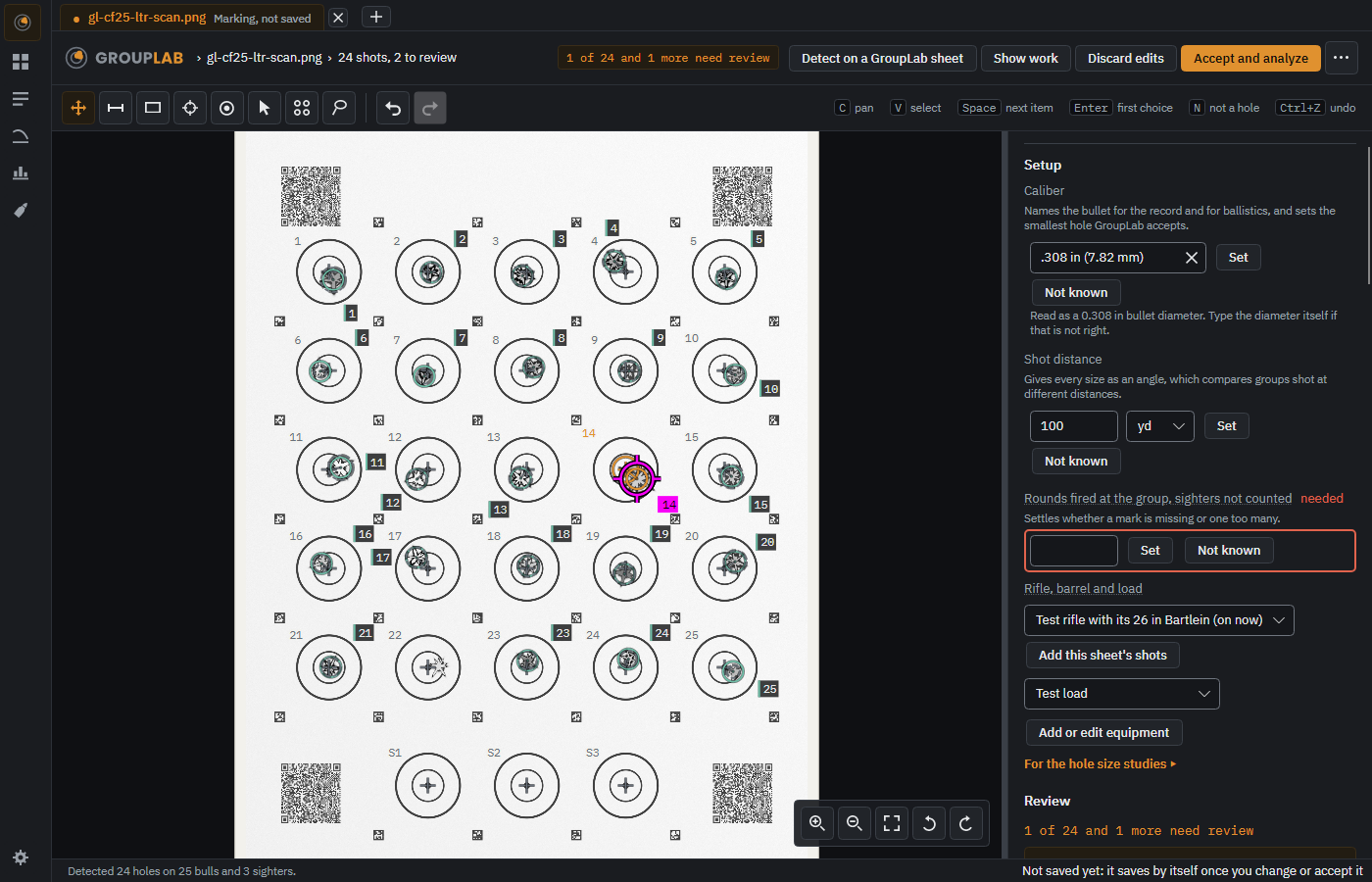
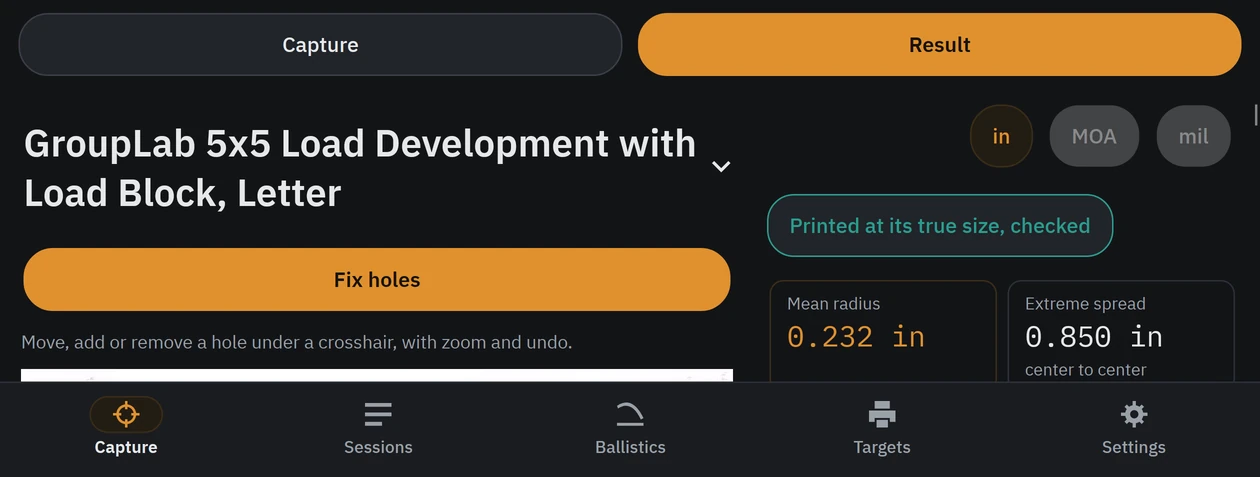
Marking and review
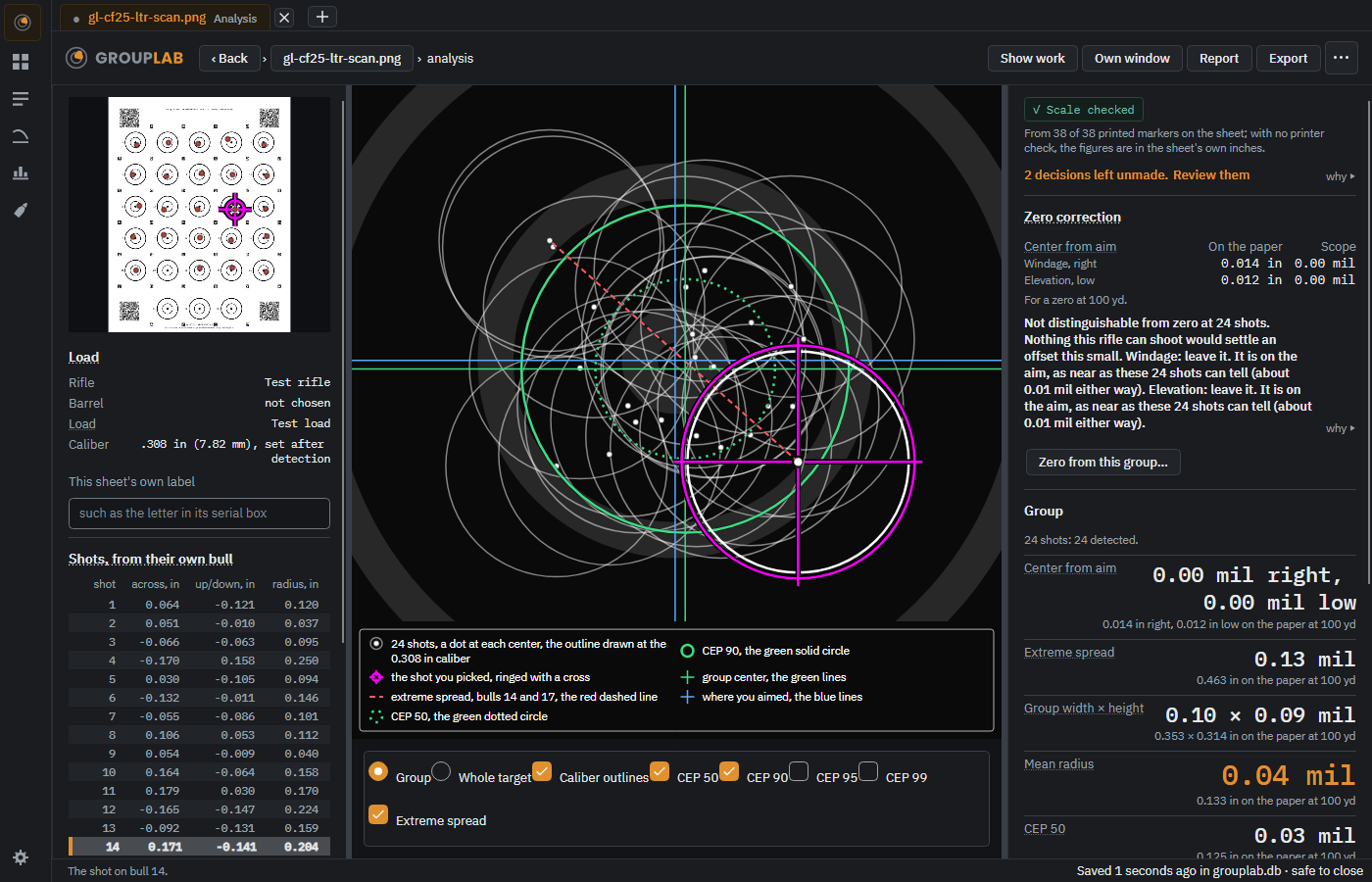
Every hole found and numbered to its bull, with anything uncertain raised for you to settle.
The analysis
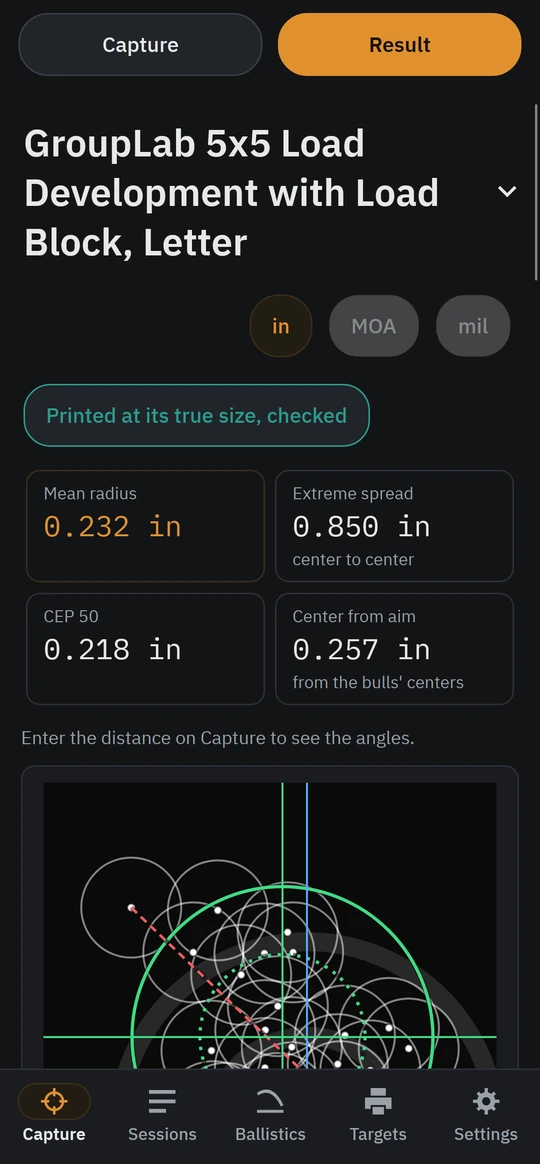
Every shot on one bull, with the six figures a shooter reads in view and everything else one click away.
On the phone; not yet pictured there
Showing the work
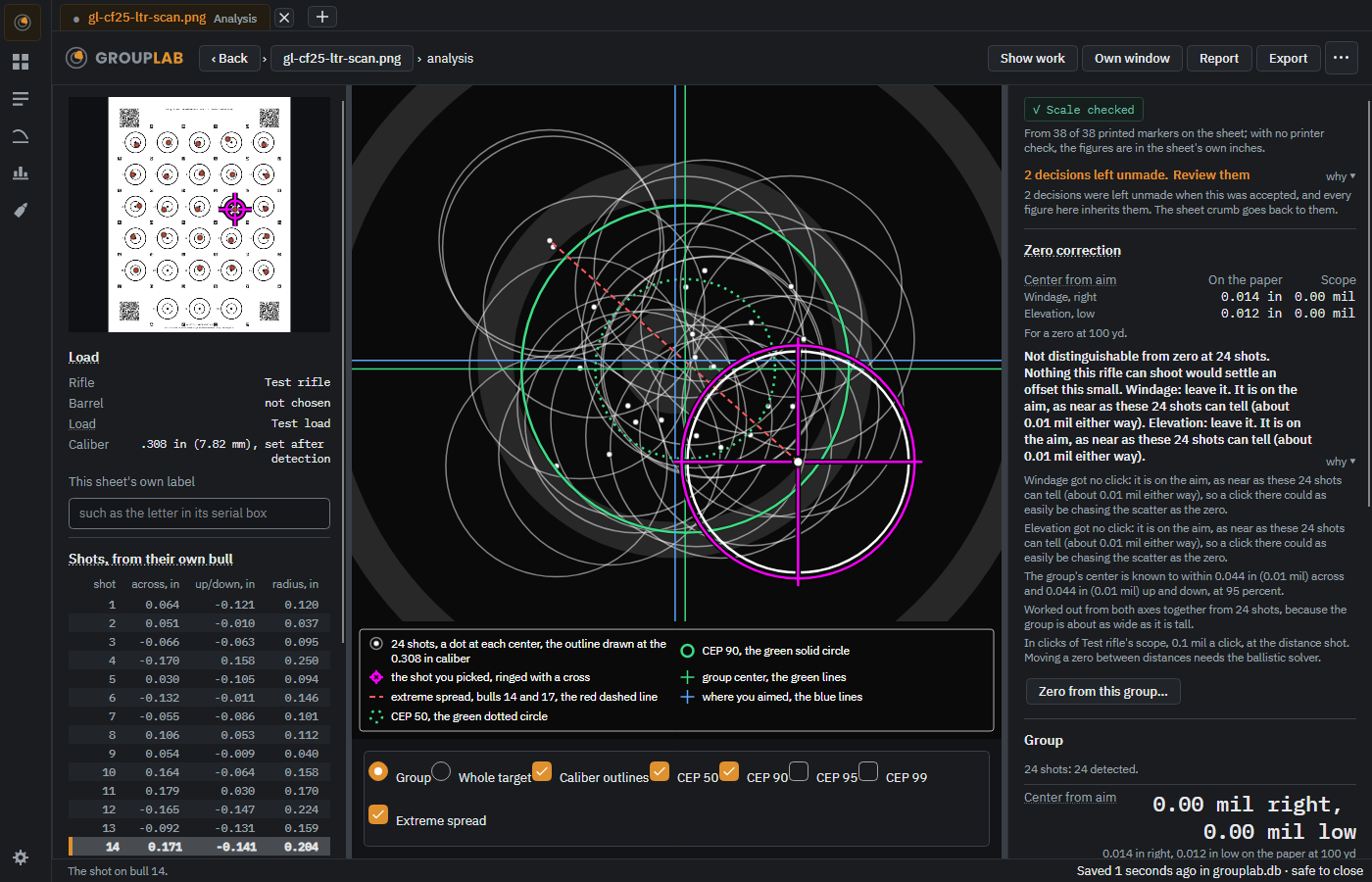
The same analysis with every explanation opened, so no number on the screen is one you have to take on trust.
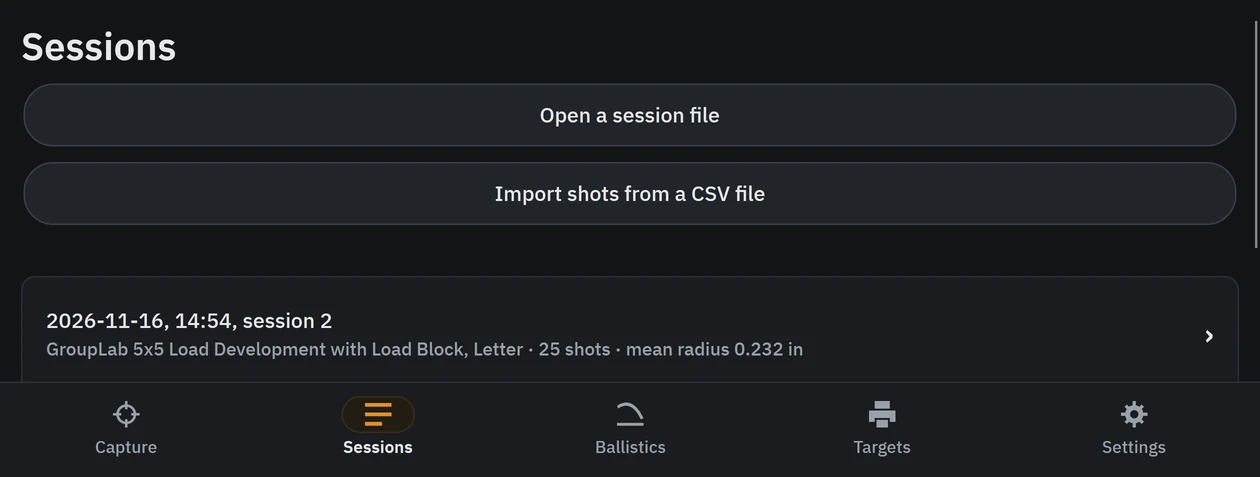
Session records
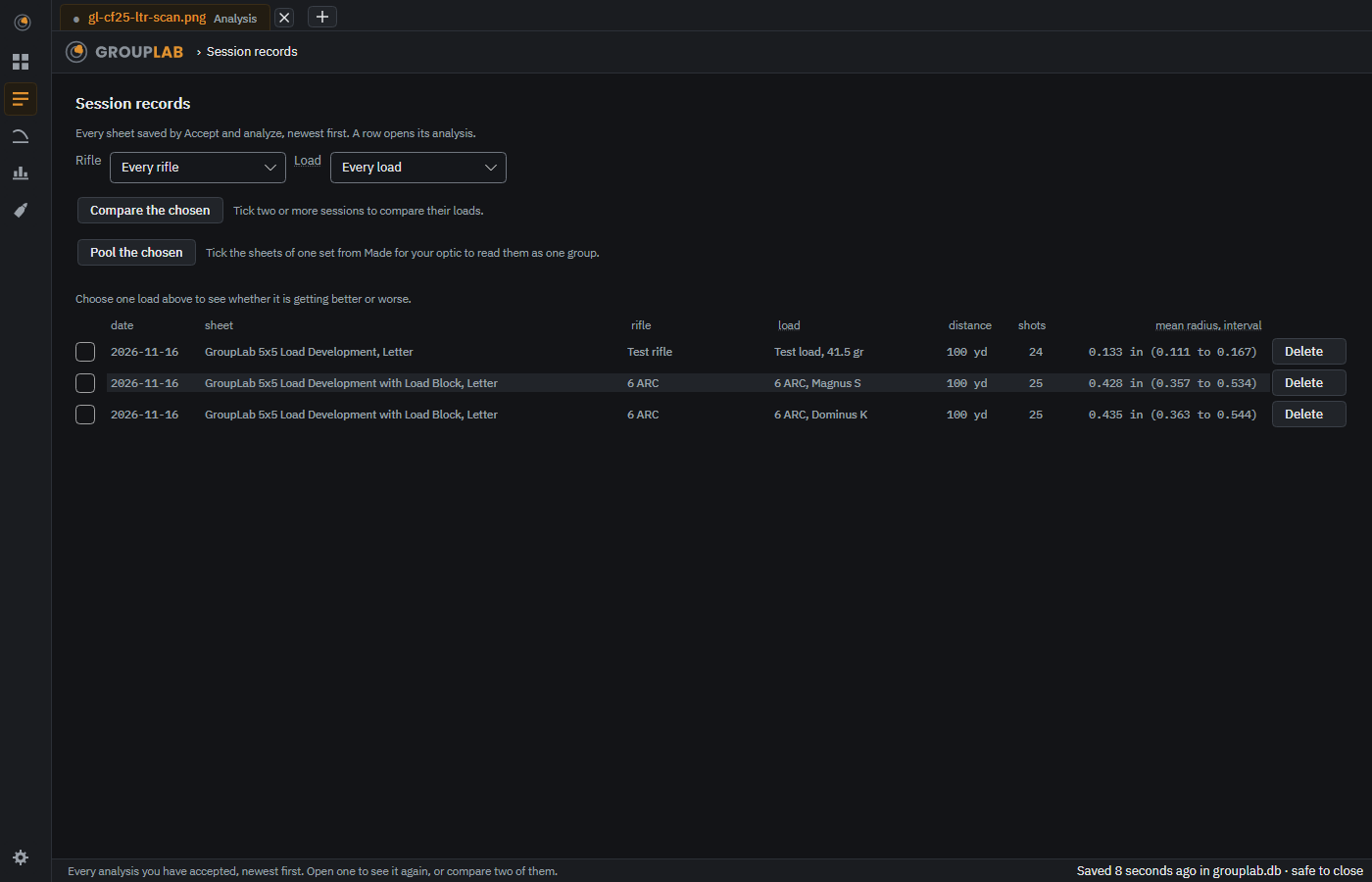
Every sheet you have accepted, newest first, ready to open again or to compare.
On the phone; not yet pictured there
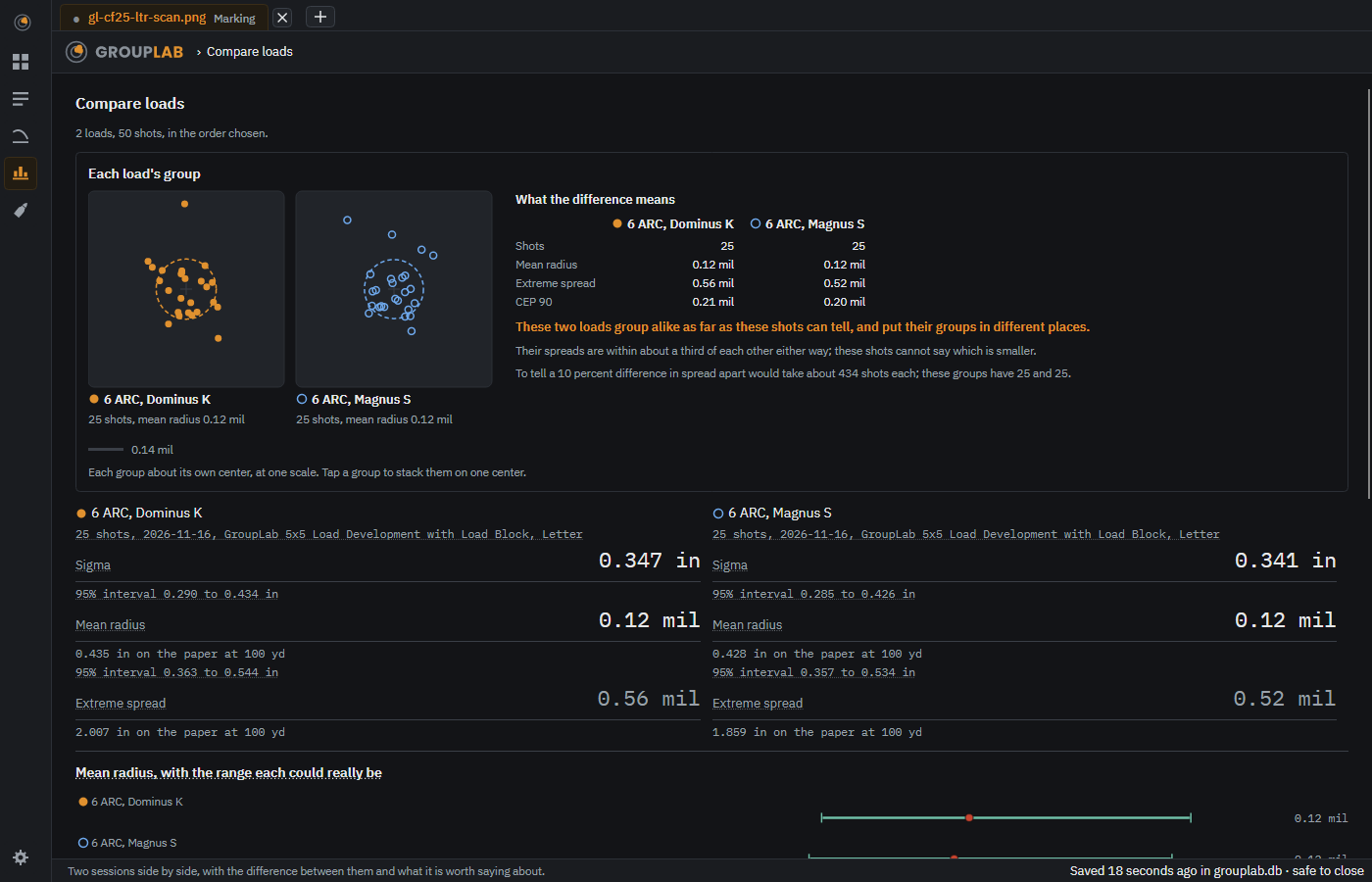
Compare loads
Two or more sessions side by side, and a plain sentence saying whether the shots actually tell them apart.
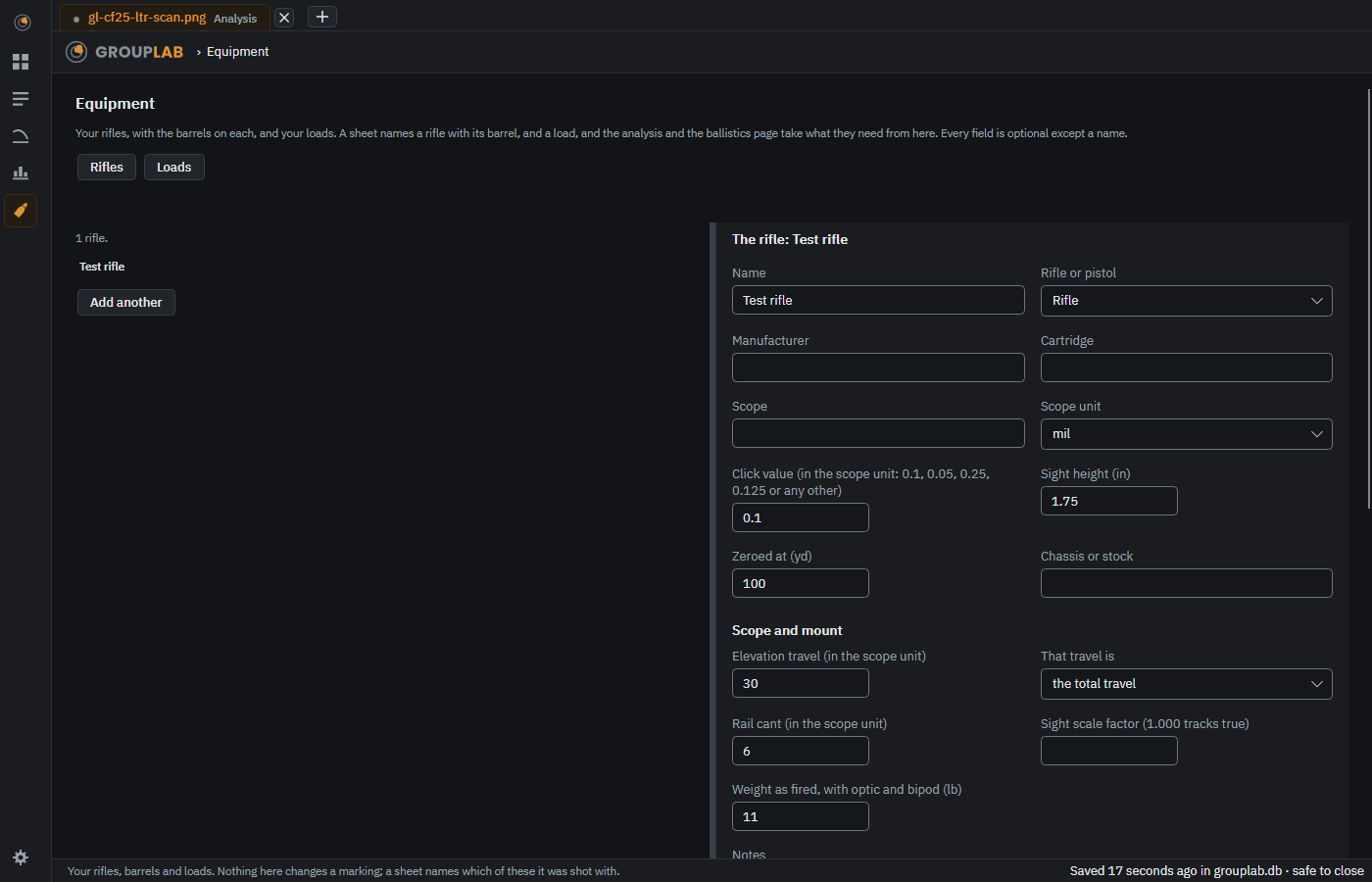
On the phone, rifles and loads are in Ballistics, and Settings, Rifles and loads opens them; barrels are chosen on the computer.
Equipment
Your rifles, barrels and loads. A sheet names one of each, and everything else takes what it needs from here.
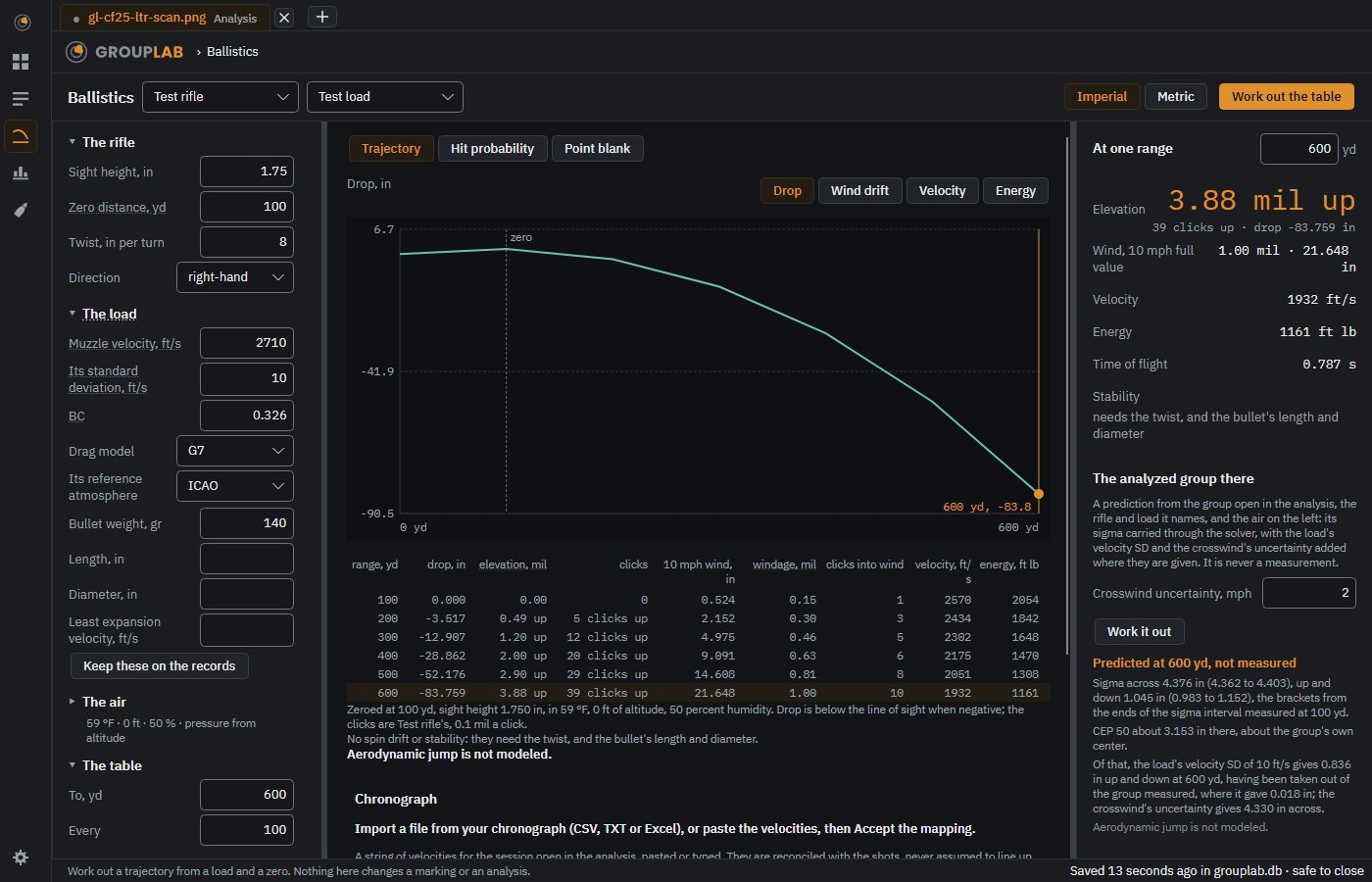
On the phone; not yet pictured there
Ballistics
A trajectory for one rifle and load, a dope table at whatever spacing you ask for, the chance of a hit from your own measured precision, and Point blank, the range you can hold dead on.
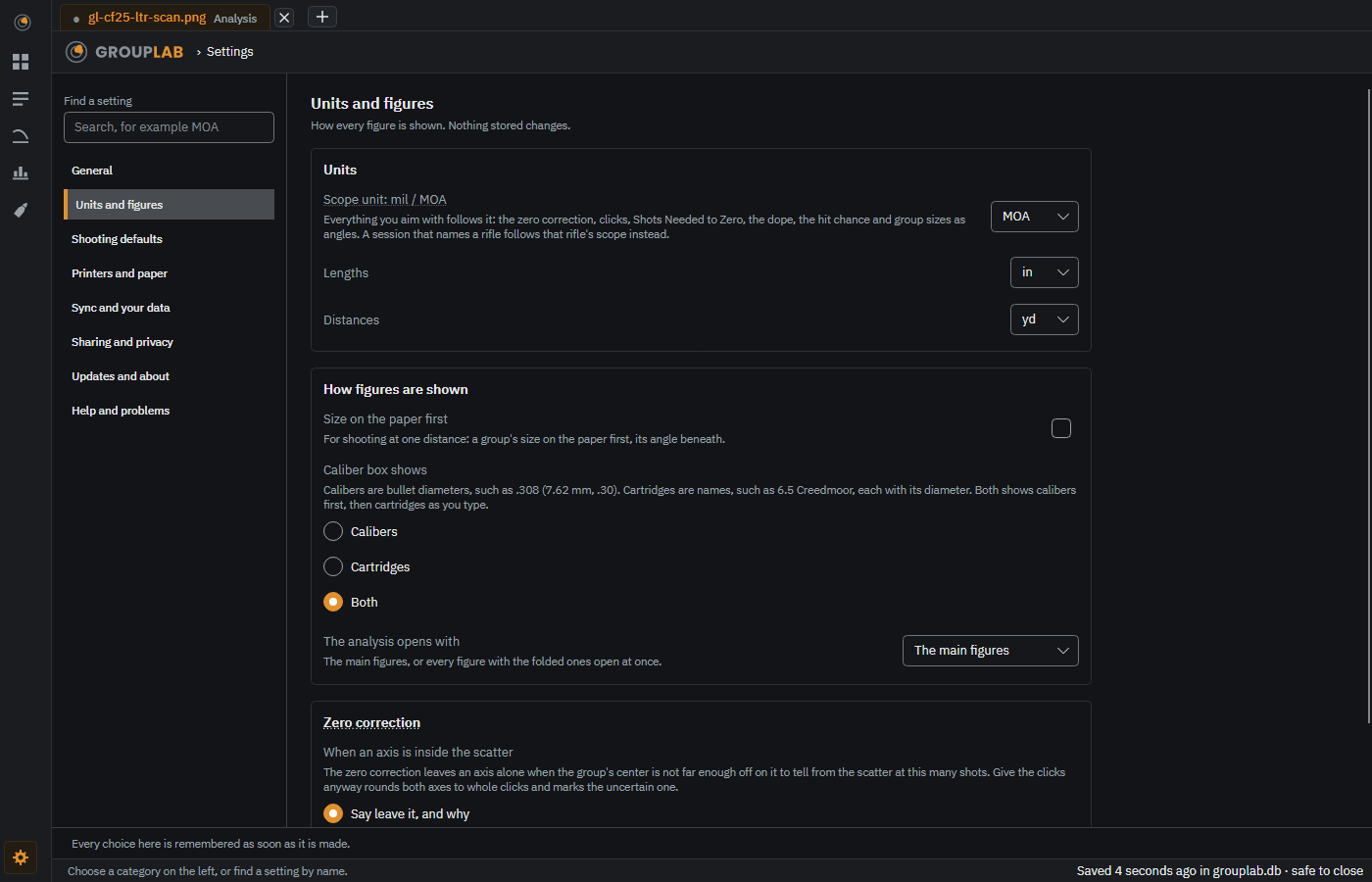
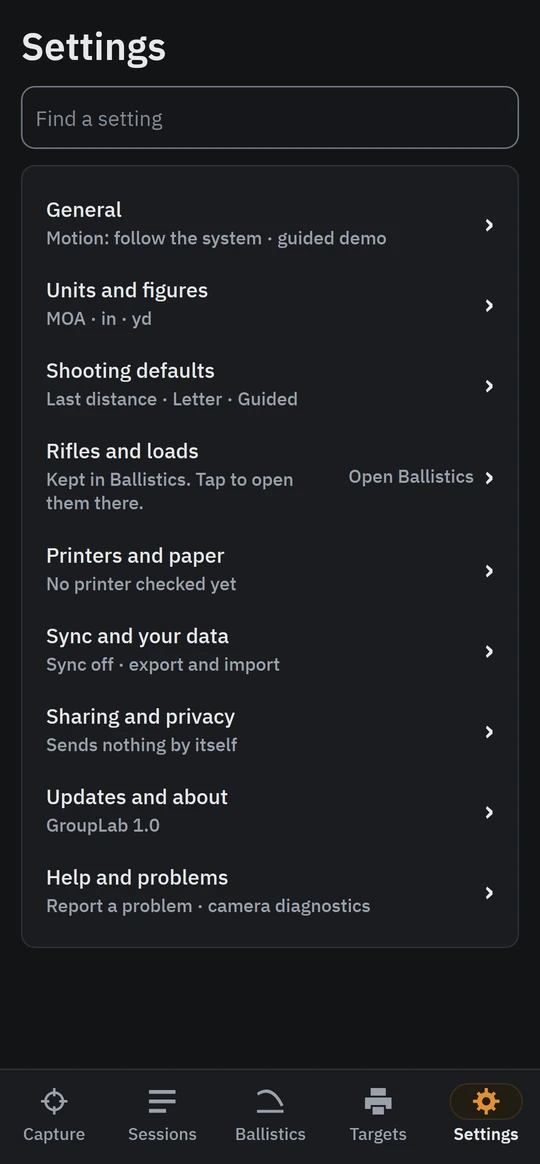
Settings
Eight categories down the left, a search box above them, and one page at a time. Every choice here is remembered as soon as it is made.
Behind the curtain
How GroupLab works
A map of the parts and what each is built from, how OpenCV is used, how the hole detector was built, and one target followed stage by stage.